What is Drone Forensics?

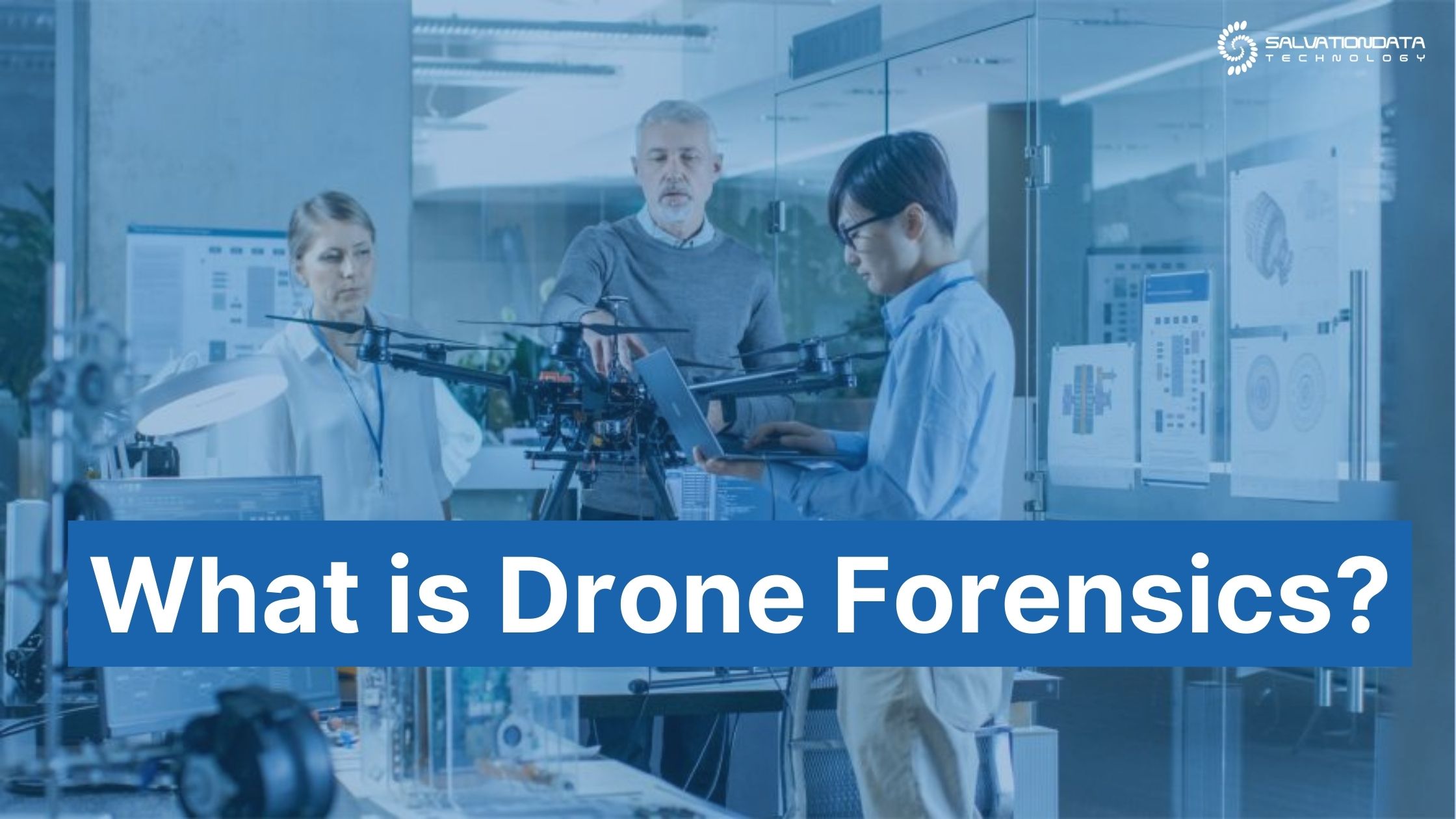
Drone forensics is a term that refers to forensic processing, examination, and analysis of unmanned air vehicles (UAVs). It involves extracting and securing evidence in a forensically sound manner on drones(UAVs).

Generally, it’s often referred to as UAV forensics, the objective is to recover the footage recorded by the drone, as well as other variables pertaining to its flight history, geo locations, unique ID, etc.

By learning about:

  1. The dangers associated with unlawful use of drones
  2. What data can be recovered from them
  3. The correct methodology to secure evidence from them
  4. The practical examples and scenarios that will be of interest to you

You’ll get a great general overview of what the field of drone forensics covers.

Below, you’ll find the most important points to keep in mind about drone forensics and the science that goes along with it, as well as how to solve the common challenges a forensic digital examiner may encounter along the way.

15 Industry-Leading Technology Digital Forensics Methods and Technologies

The primary goal of digital forensics and experts trained in this field is to gather and analyze crucial bits and pieces of evidence. Before the criminals can be prosecuted, it’s essential to find out exactly what happened and who’s guilty of the crime.

The 21st century has blessed us with so many useful gadgets and digital devices that make life more convenient, but due to their individual specifics (OS, technology, or other), can make a digital forensic analyst’s job more difficult.

To meet the goals and objectives outline above, using modern digital forensics technology goes a long way.

Today, we’ll give you a behind-the-scenes glimpse into what kind of technology goes into modern forensics investigations and what methodologies digital forensic examiners have to use to crack a case.

8 Myths and Facts about Digital Forensics Investigations

Due to the influence of movies and popular culture, people often get inaccurate ideas about this line of work and the overall digital forensics process. But that’s okay! After all, someone who’s not from the inner circle may have a hard time understanding how digital forensics investigations really work.

In fiction, the entire digital investigation process tends to get romanticized, and many hardships law enforcement agencies have to endure often get portrayed in a sugar-coated manner. In turn, this can lead to many people internalizing certain falsehoods about how things play out in reality.

Examples include “magically” enhancing or upscaling blurry photos and video footage, analyzing tissue samples within a moment’s notice, and blazing through complex passwords and encryption like it’s nothing.

Below, we’re about to give you the good, the bad, and the ugly on everything you ever wanted to know about the true nature of digital forensics investigations:

6 Considerations to Make When Choosing the Best Digital Forensics Companies

Nowadays, digital devices are everywhere and they know much more about us than we can possibly imagine. But to make sense of it all, only a licensed and accredited digital forensics professional can tie the dots together and get through the digital and hardware roadblocks you are bound to encounter on the way.

In civil litigation, digital forensic companies and organizations play an important role in bringing the truth to light. This means it matters a great deal who you end up working with, so you’re encouraged to do your due diligence and be as discerning as possible in order to select the most suitable candidate.

After all, you need concrete results and not just another barrage of platitudes and promises that won’t get you anywhere. The only question is, how to go about it and where to start? Keep in mind there are other vital factors at play, so remaining discerning and diligent is also crucial for the sake of compliance, preserving the integrity of evidence collected, and making it admissible in court.

Before inking the deal with any digital forensics companies, make sure to double-check their professional competency and how well-equipped and knowledgeable they are in the following areas:

How to Recover Deleted or Corrupted Videos From Hikvision CCTV? (Complete-Guide)

CCTV cameras are the cornerstone of home and premises security. The video footage extracted from them serves as valuable digital evidence that can reconstruct the events exactly as they transpired.

In court, this is even better than having a witness retell the story.

However, even a small glitch or a moment of improper care can corrupt the footage, which could be a massive problem when trying to bring the culprits to justice. Since even a professional forensic DVR examiner can potentially get stuck when trying to recover corrupted or erased video footage from the hard drive, trying to do it yourself could do more harm than good and may even wind up making the files harder to retrieve.

When it comes to surveillance videos, since HikVision is the leading brand in the video surveillance industry, we’ve written a detailed how-to guide on how to approach the issue of HikVision DVR deleted data recovery correctly without jeopardizing the integrity of the footage.

This is especially important for digital forensics experts who need to ensure that the evidence presented measures up in court.

cctv

HikVision is a global leader in the CCTV and video surveillance market. (Source: Hikvision.com)


8 Most Common Reasons for DATA Loss

No matter how careful you are, nothing can guarantee the safety of your digital files and there are several ways how data loss can occur.

Depending on what was lost, data loss can be a minor inconvenience or a major disaster. Best case, you still need to spend time and resources to recover it during a forensic data investigation.

Either way, data loss can make a forensic analyst’s job harder, and without the proper hard disk recovery tools, you can quickly find yourself dead in the water.

Causes of Data Loss Statistics - Pie Chart

According to R-explorer, hardware failure is the leading cause of data loss, with human error trailing close behind.

Today, we will cover the most common reasons for data loss and see whether there are any solutions that can aid you during forensics recovery.

Complete Guide to Use an MDF File Recovery Software

MS SQL Server is one of the most seamlessly reliable databases that facilitate companies, especially law enforcement, intelligence, and investigative agencies, with advanced internal structure. The core concern of every agency is to safely keep the information and data from abrupt shutdowns, viruses, and other operating system failures.

MDF recovery software aids in restoring SQL Server database objects, including tables, files, indexes, functions, etc., becoming a utility for every small and large-scale organization. 

SQL Server has two types of data files in its default directory known as Master Database File (MDF) and Log Database File (LDF). MDF plays a pivotal role in holding and storing critical database information. MDF file, being the primary database file, stores and holds all the tables, functions, triggers, and much more data and information. Therefore, corruption of MDF files causes serious systematic errors for users.

Why Should You Use SQL Database Recovery Software?

Databases help companies give value to their raw data to conduct numerous critical analyses. These companies might use a SQL database to conduct manipulations to detect patterns in their business transactions to unearth hidden opportunities. As a Digital Forensic Analyst, you might be tasked to cross-check some aspects of the company’s database during an audit.

What if something corrupts your data and you’re unable to use it?

To avoid interruptions during your investigation, it’s essential to use SQL database recovery software. For instance, you’re able to easily recover corrupted or lost data from SQLServer with the help of an effective tool capable of restoring your lost data with utmost proficiency. With an advanced database recovery tool, you can immediately restore and repair all corrupt NDF and MDF files without compromising the integrity of the original data that may be part of an investigative analysis.

How to Fix the 12 Common Video Errors?

During a forensic investigation, you’re likely to encounter several obstacles and roadblocks when trying to extract and/or repair video footage, and video  errors are a great example of this.

Fail to resolve them quickly enough, and the entire investigation could effectively come to a standstill. Worse yet, by using outdated digital forensic equipment, you could potentially corrupt the video file and thus jeopardize the entire case by damaging a vital piece of digital evidence.

To avoid bumping into similar problems in the future and to minimize their impact on the investigation, we’ve prepared a list that covers some of the most common video file errors you could see during a forensic investigation.

After reading today’s post, you’ll be fully equipped with the knowledge on how to fix them and avoid causing any further damage to the video file. Stick to the very end, and we’ll also let you in on a secret and divulge what you need to do to prevent these errors from happening ever again.

FACT: Even deleted video recordings can be restored and recovered by a skilled forensic analyst. (source: commons.bcit.ca/forensics)

How to Troubleshoot SQL Server Database in Recovery?

SQL Server that stores all the databases often goes through hindrances that need to be addressed and fixed. Whenever a database fails to shut down properly, the SQL server goes into crash recovery mode to ensure that the database remains consistent. SQL server database in recovery goes through three different phases where each phase indicates and fixes issues and errors.

These three states of SQL server databases depend upon the severity of the damage, which includes:

  • Online State

The SQL Server database can still be accessed online when the data file gets damaged while executing a query.

  • Suspect State

When you cannot easily access a database while SQL server database is in recovery state after a restart, the database is marked as suspect.

  • Recovery Pending State

When the SQL  database in recovery phase checks the progress and something prevents it from starting, the database is placed in a recovery pending state.