
Top 10 Free eDiscovery Software for 2025

In the past, manually examining all the materials required for legal proceedings required an entire team of legal and IT professionals and many hours of work. There was no better way back then. The good news is that with the help of modern technology and automation, the entire eDiscovery forensic process can be reduced to a fraction of the time it takes to complete the work, saving you time and money.

By utilizing the free eDiscovery software we’ve reviewed below, you’ll be able to waltz through piles of documents and data like nothing, effectively tagging the areas of interest without having to lift a finger. Most of them let you export the findings in a manner the court will find admissible all while packing useful features such as giving you the option to convert the files to various formats and letting you share them through a secure online interface.

If you haven’t already, we invite you to familiarize yourself with the concept of eDiscovery by reading our intro guide. After you feel you have the basics down, go right ahead and read our short reviews and summaries on the best digital forensics tools the market has to offer in 2025, all of which also come with a free version.
Top 10 Free DFIR Tools for Investigators

DFIR tools allow a qualified DFIR investigator to gather essential clues while preserving the business continuity with minimal disruption. The objective is to discover whether a breach has taken place, what are the circumstances surrounding it, who is behind it, and similar. Above all, the aim should be to salvage what can be saved and prevent a cyber security incident from becoming a full-blown cyber security disaster.

To avoid having to spend countless hours manually traversing the system and network architecture when searching for answers, these digital forensics tools will drastically speed up the process. Best of all, they come with an open source license, meaning they are free to use forever, even for commercial purposes.

In case you’d like to know more about the topic at hand, we suggest you read some of the previous articles we’ve published, including our introduction to DFIR and a more in-depth guide where we focus on the 6 phases of a cyber security incident response plan.

With that out of the way, here are the top 10 free DFIR tools you can use to increase the quality, speed, and accuracy of any cyber security incident investigation:

8 Steps To Present Video Evidence in Court

Getting the pieces together and studying how to present video evidence in court can be a daunting task, especially if you’ve never done it before. But that’s something you’re going to have to get used to if it in any way aligns with your job responsibilities. The good news is, the process gets much easier once you have a tried and proven system in place. Don’t worry – we’ll teach you everything you need to know!

What you’ll find below is an 8-step guide on using video evidence in court the proper way. It contains the most important pieces of information you need to keep in mind to ensure that the video evidence presented gets admitted in court without stumbling into too many roadblocks or objections on the way. Keep in mind that any specifics may vary from country to country, but for the most part, the process will be similar if not the same.

Without any further ado, the step-by-step process is as follows:

SQL Server Transaction Logs: What Law Enforcement Investigators Need to Know

To successfully conduct a database investigation, every forensic database examiner needs to know what to look for. As it so happens, SQL server transaction logs are one of the essential concepts to grasp. But what exactly are they?

In essence, every SQL database supports SQL server transaction logs by default. Inside, you’ll find traces of user activity based on which you can ascertain whether a crime has taken place. Apart from that, SQL server transaction logs play an instrumental role in disaster database recovery (provided they are in usable form and not corrupted).

Computer Forensics Lab: 7 Golden Design Rules for Optimal Working Conditions

The outcome of a digital forensic investigation has the potential to change someone’s life forever. The analysis, the thinking process, the logical deduction… it all happens in a place called computer forensics lab. But although it may sometimes seem like it, it’s not magic that happens. It’s a structured process that’s based on science and technological breakthroughs.

As a matter of fact, the computer forensics technology that can be found inside a digital forensic laboratory is the result of years and years of research and refinement. For obvious reasons, as time goes on, better technology may emerge, so it’s important to keep your computer forensics lab up to date if ensuring optimal working conditions is the goal.

Contrary to what some might assume, the technological state of your forensic lab is far from being the only consideration to make. Anything that aligns with the purpose of optimizing the costs and providing an optimal workflow experience for the investigative team is very much relevant in this regard.

To break down what goes into the mix, the following are what we consider to be the 7 golden computer forensics lab design rules for optimal working conditions:

What is eDiscovery?

During legal proceedings, it’s vital to gather the necessary evidence to prove that someone is either innocent or guilty. But it’s also about assembling key facts based on which litigators can decide on the most optimal course to take.

This process is referred to as eDiscovery. You can think of it as a way to research the matter at hand. At the same time, it’s also a structured process that allows the legal professionals to make quick yet procedurally correct decisions.

The objective is to get the facts right. In practice, a litigator would need them to make a strong case in court, but may not have the time to gather them manually. That’s what drives so many eDiscovery jobs – litigators are looking for ways to get some of that burden off their shoulders and outsource the additional work to a qualified eDiscovery and digital forensics expert.

Today, we will take you through what is eDiscovery, why it’s important, what the process involves, and how it all ties up with the field of digital forensics.

Working With Video Evidence: 8 Challenges in Law Enforcement

Just like any other area of digital forensics, working with video evidence comes with its own set of challenges. Knowing how to navigate these difficult waters can mean the difference between being able to solve a case or letting the guilty go free.

Since time is of the essence when you find yourself in the middle of a digital forensics process of a criminal investigation, learning as you go is not a viable option – you need to study these situations in advance so you will come prepared and ready to face them as they appear.

Unlike what the popular culture might have you believe, obtaining and analyzing video evidence is far from simple. For example, we can’t just zoom in on the picture and enhance its quality as they often do in the movies. It just doesn’t work like that.

To give you a glimpse into the unique challenges in video forensics, we’ve compiled a list of what you can expect during the digital video forensics process:

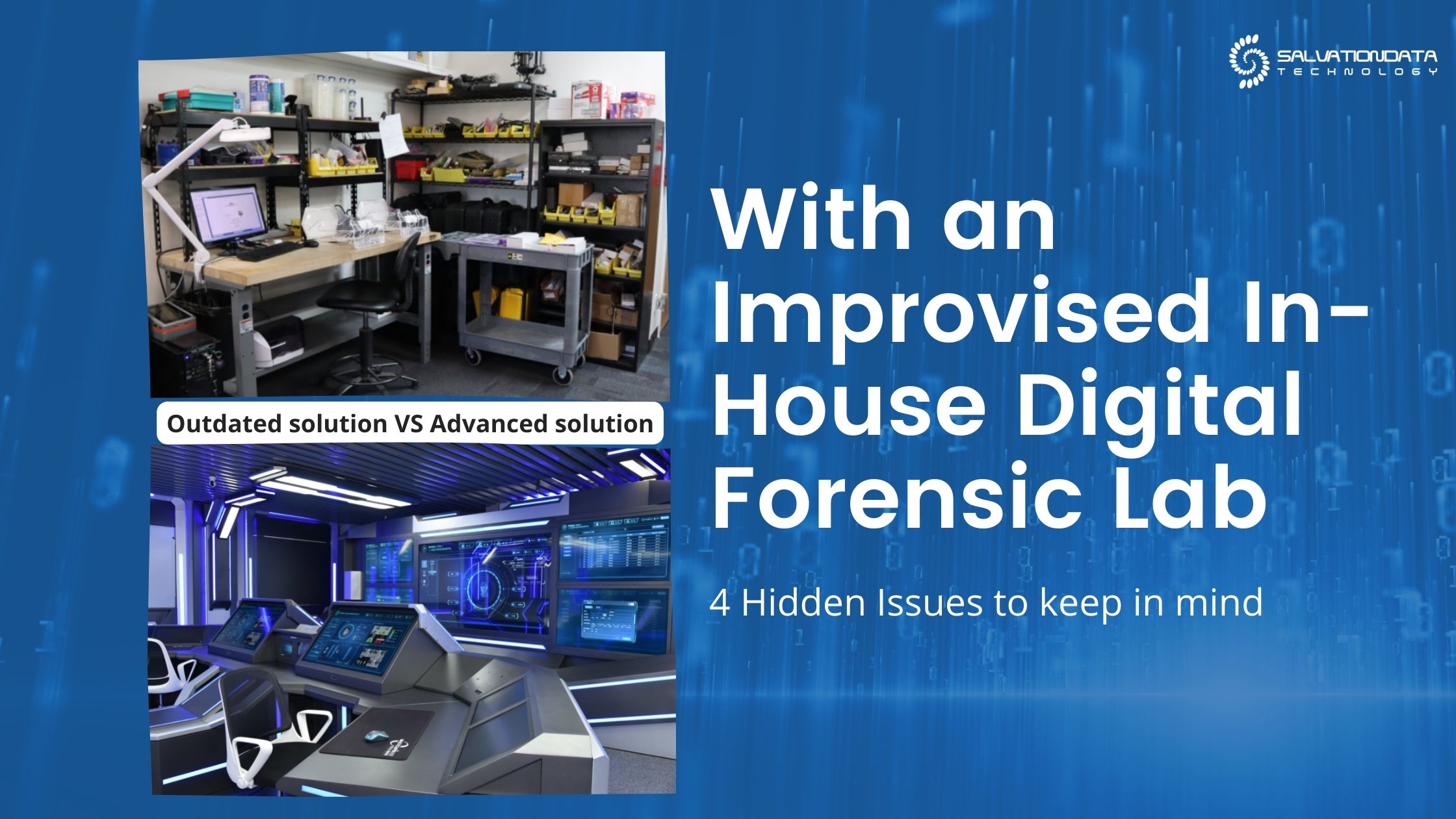
4 Hidden Issues With an Improvised In-House Digital Forensic Lab

When the need arises to upgrade your computer forensic hardware, your first instinct may tell you to just wing it as you start looking for shortcuts. After all, your law enforcement agency is probably getting tons of work already and you’ve found yourself in need of a shiny new digital forensic lab setup to solve these cases efficiently.

At first glance, there are several perceived benefits of building an improvised computer forensics lab. These include:

  • Cost savings
  • Convenience
  • Rapid implementation
  • No comprehensive guidance
  • No direction
  • Prior familiarity

The problem is, this so-called shortcut can end up costing you much more time and money than it has the potential to save. In fact, many established law enforcement organizations have started out with an improvised digital forensic laboratory then later on decided to upgrade to a more professional solution once they’ve realized all the drawbacks associated with their original decision.

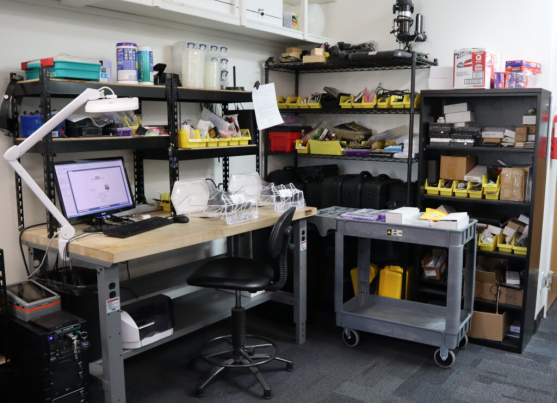
Outdated Digital Forensic Lab
An outdated Improvised In-House Digital Forensic Lab or Workstation

To make a compelling argument why improvisation might not be the best move to make if you’re running a reputable law enforcement agency, we’ll highlight 4 not-so-apparent issues with it that can arise when you least expect them:

11 Database Security Practices and Disaster Prevention Tips

Knowing the proper configuration, maintenance, and cyber security essentials is a must when working with databases. Fail to do so, you will get to experience first-hand what a database security examiner has to deal with when helping an organization find out how their databases got hacked.

Although experience certainly is the mother of wisdom, there is no need for you to learn from your own mistakes in this case – these can be quite costly.

To give you an illustration, the most infamous hacks from the recent decade or so had a disastrous outcome in many areas, resulting in:

  • Litigation
  • Loss of trust
  • Regulatory fines