

An important role of Data Recovery System
The normative procedure of evidence collection is physically isolating the computer when the first time touching it. Then the forensic experts create the imaging files from the original drive to analyze the copies to avoid any influence on raw materials.
To analyze the data found on the hard drive, they used a variety of techniques and data recovery software to find any hidden or recently deleted files and folders. The types of evidence that can be obtained through data recovery software include documents, videos, photos, messages, audio, and even Internet search history of criminal suspects. One of the basic techniques used by computer forensic investigators is to scan and identify and delete files and folders that occupy the computer. Then, they will try to recover the data in these deleted files and often find valuable data that can help file a lawsuit against the suspect.

Various File System

Various Storage Mediums

Unconscious Data Loss Again

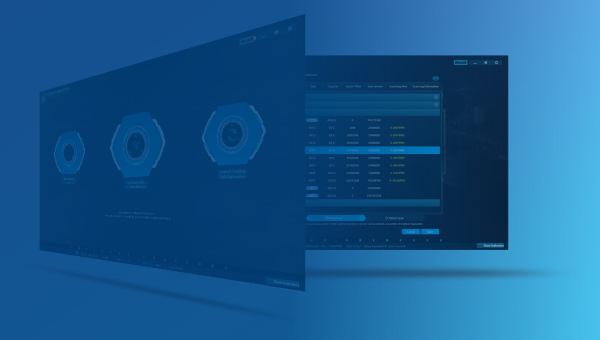
Data Recovery System
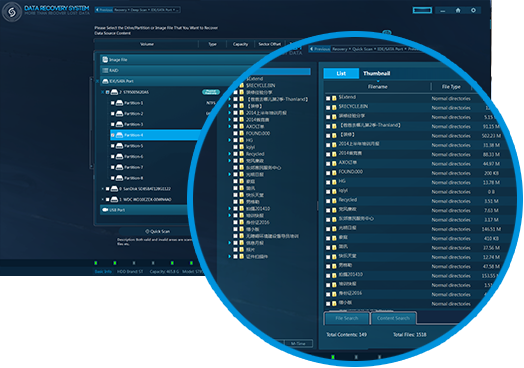
FILE RECOVERY & FILE CARVING
•Fully support systems in NTFS, FAT16/32, exFAT, EXT2/3/4, HFS and HFS+, etc.
•Support PC, laptop, USB, SD card, CF card, TF card, Memory Stick, voice recorder, web server, IPC, surveillance recorder, and diverse virtual storage file, as well as hexadecimal view. The supported format includes DD image(as well as mobile phone image), EO1 image, ISO image, etc.
•Support RAID recovery, including RAID0, RAID1, RAID5, RAID6, RAID5e, RAID5ee, and HP dual cycle, allowing the options of auto/manual analysis.
•ExtremeRI provides first-class fragment rebuilding technology into DRS, going deep into free sectors to scan for fragments and reconstruct files through baselevel calculation. DRS offers expected results to recover damaged photos and files, breaking through the limits of data recovery.
•Support file system search and analysis which mainly includes file screening, file search, keyword search, disk search, file classification, encrypted file analysis, suspicious file analysis, confidential file analysis, MFT file analysis and registry analysis.
•Support thumbnail viewer.
•Support scanning lost partition, and the custom scanning partitions is based on partition type and size.
•Support fast scan mode and advanced scan mode, which make recover data more flexible and efficient.
•Support breakpoint restore function which skips the recovered file to shorten the recovery time.
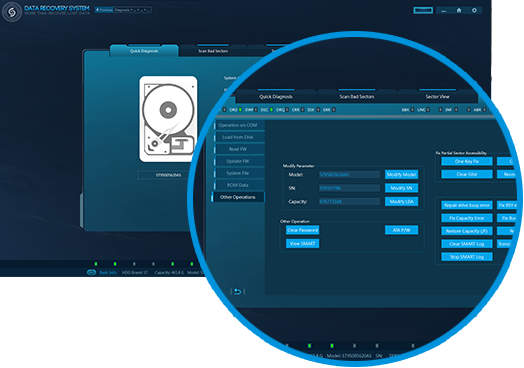
DISK DIAGNOSTICS & FIRMWARE RECOVERY
•Be able to scan the source disk in advance. With fairly new FastCheck technology, it can allow rapid checks within 5 seconds, avoiding raising the risk of damage to storage stack and greatly reducing work risk.
•Fast recovery on common firmware problems, hidden sectors and unlock ATA encryption.
•Two bad sector scan modes are offered for HDD, the fast scan and the deep scan, to detect HDD bad sector status.
•Support view data in any sector.
•Possess the core value out of the past 15 years’ experiences, DRS aims to provide a complete solution to firmware damage, supporting all popular brands including Seagate, Western Digital, Maxtor, Hitachi, Samsung, Fujitsu, and Toshiba, in total with thousands of versions.
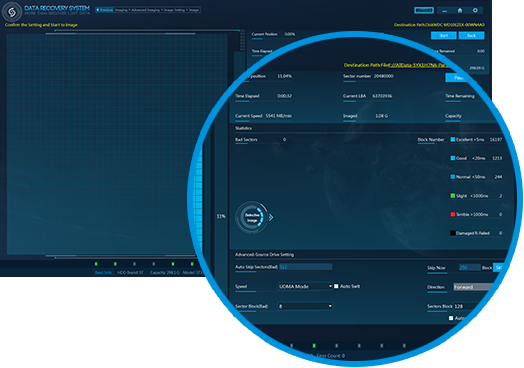
DISK IMAGING
•DRS High-speed Image Module works for normal HDD, USB Flash, CF cards and TF cards, etc. It can copy & clone data from HDD, USB Flash, CF cards, and memory sticks, which is widely applied to HDD copy by byte-to-byte and HDD image in the field of digital forensics field.
•Support imaging in bad sectors, provide solutions to stuck disk imaging and even inoperable sector data, etc. Users can customize the configuration of accuracy to load sector data and image copy-failed sectors. The whole process of the image is displayed in real-time. Through anti-stuck technology, DRS offers an ideal solution to bad sector imaging.
•Support copying data for IDE/SATA, HDD, USB Flash, CF cards, and TF cards at high speeds, and fast copy bad sector HDD with IDE/SATA/USB ports.
•Apply UDMA-133 transform technology, and the testing copy speed reaches 12GB/min.
•Support reading data by forward/backward or reading repeatedly to extract more data.
•Support identifying the damaged head and adjusting to selective head imaging.
MONITOR
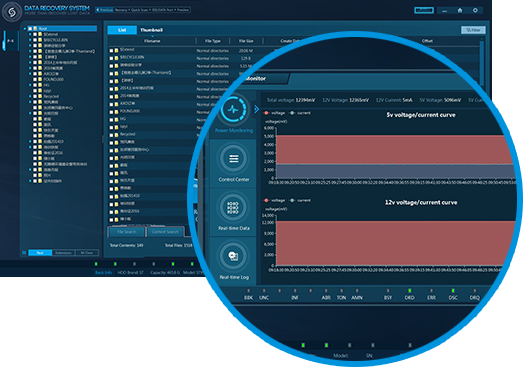
Real-time monitoring of power, data and system log
PATTERN SCAN
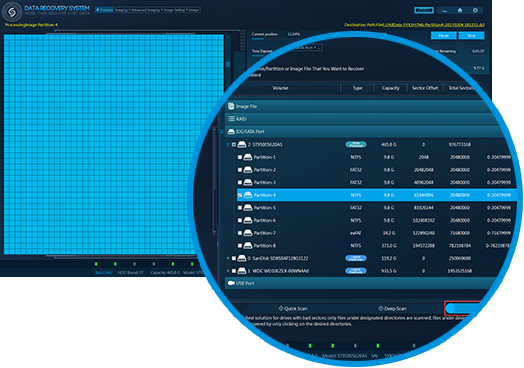
•Best solution for disks with bad sectors.
•Only files under the designated directory are scanned FilesFile under designated directories are instantly recovered by only clicking desired directories.
HARDWARE TECHNICAL SPECIFICATIONS
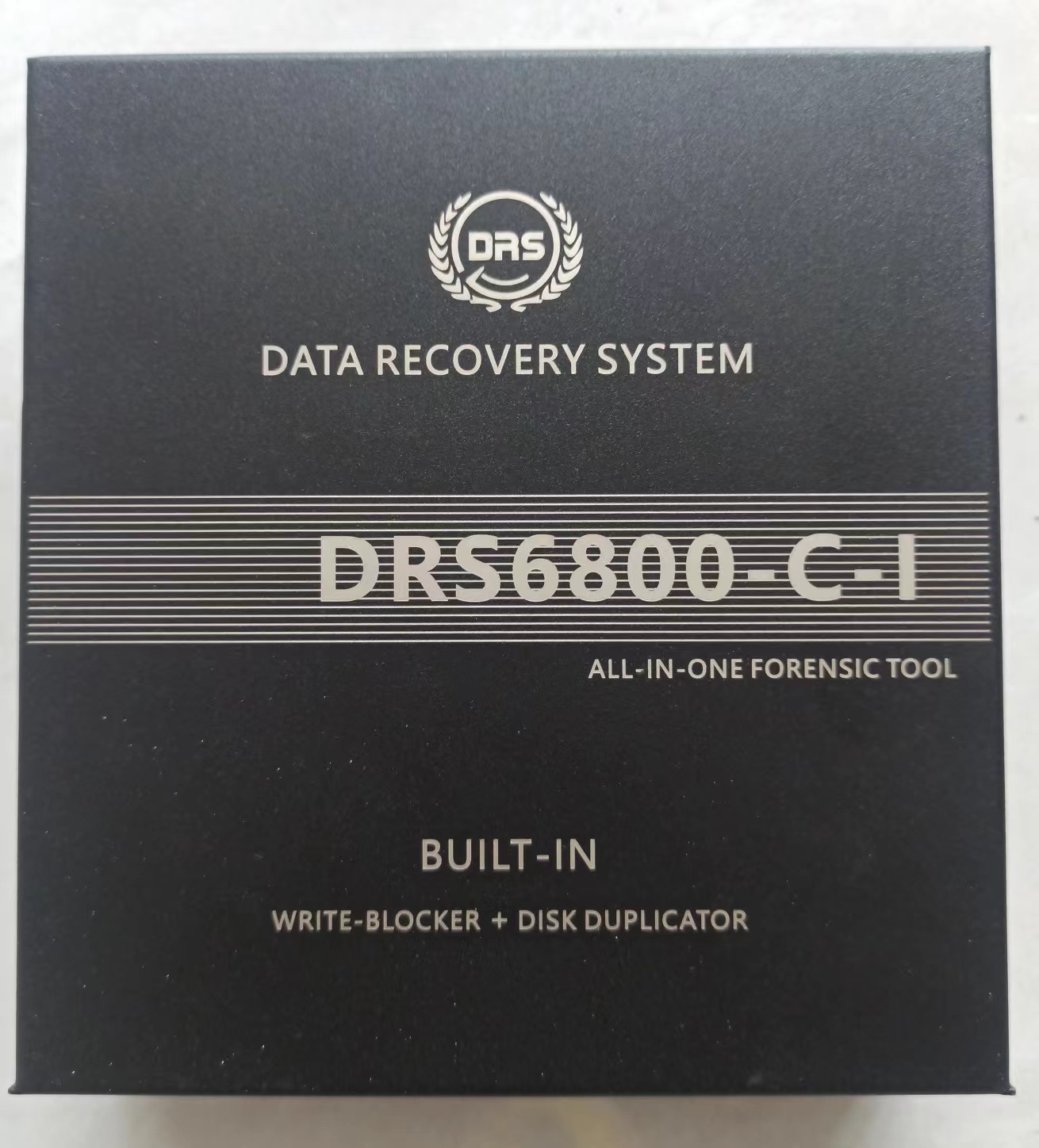
DRS Hardware Unit Technical Specifications:
Dimensions: 10.8 x 7.2 x 3.4 in (274 x 182 x 87 mm)
Weight: 4.34 lb (1.97 kg)
Supported ports: USB1.0/2.0/3.0, IDE, SAS, SCSI, SATA1.0/2.0/3.0 with built-in write-blocker
Supported drive: All Drive Brands, flashcards ,and RAID series
Supported file system: NTFS, FAT16/32, exFAT, EXT2/3/4, HFS and HFS+
LED indicators for main controllers
Wide working temperature range: 0℃-60℃(33.8℉-140℉)
Relative humidity: 30%-80%
Power consumption: 72 Watt peak
Supply voltage: Input 12 VDC
DRS Training
We provide product usage guidance and training for the DRS
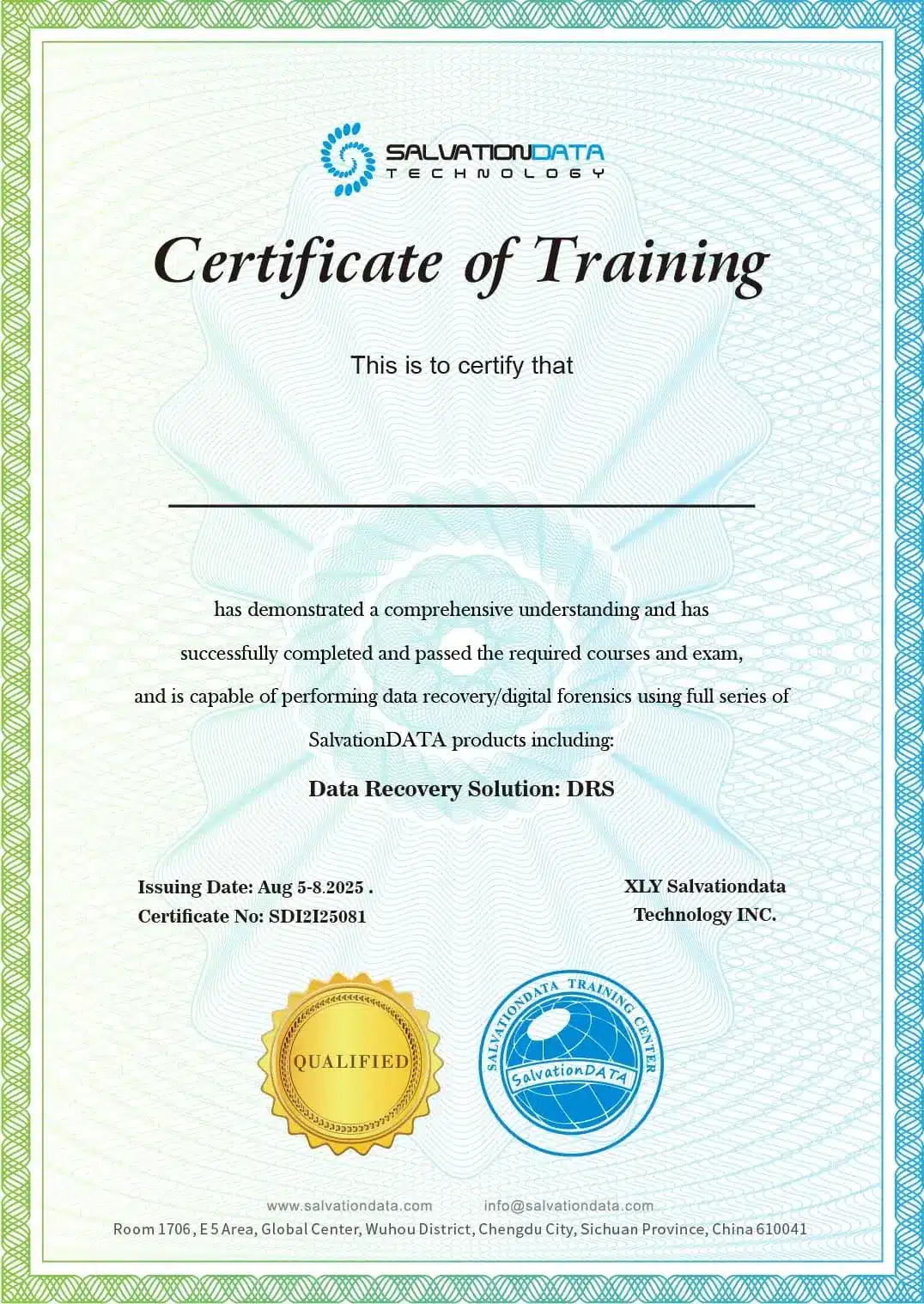
Your DRS is a powerful tool—let’s make sure you unlock every bit of its potential. As part of our commitment to your success, we’re offering product training led by SalvationData’s expert technicians. This isn’t just a tutorial—it’s a one-on-one deep dive to turn you into a DRS pro, with official certification to prove it.
What Makes This Training Stand Out?
Official Expert Guidance
Learn directly from our certified tech team—no generic advice. They’ll walk you through core functions, best practices, and workflows tailored to your needs, straight from the DRS’s creators.
Real-Time Problem-Solving
Our training equips participants with real-time problem-solving skills to quickly address challenges, enhance product understanding, and collaborate effectively in dynamic environments.
Official Certification
Complete training to earn a SalvationData certificate—proof of your mastery for critical work.
Flexible & Convenient
Book when it fits your calendar—no rigid timetables, minimal disruption.
One product, endless potential
Brands we support




Get deeper into the niche!
This case study demonstrates how investigators used DRS to overcome hidden partitions, corrupted files, and data obfuscation. Through lost partition recovery, deleted recovery, and hash-based validation, critical evidence was successfully reconstructed from complex and misleading data.
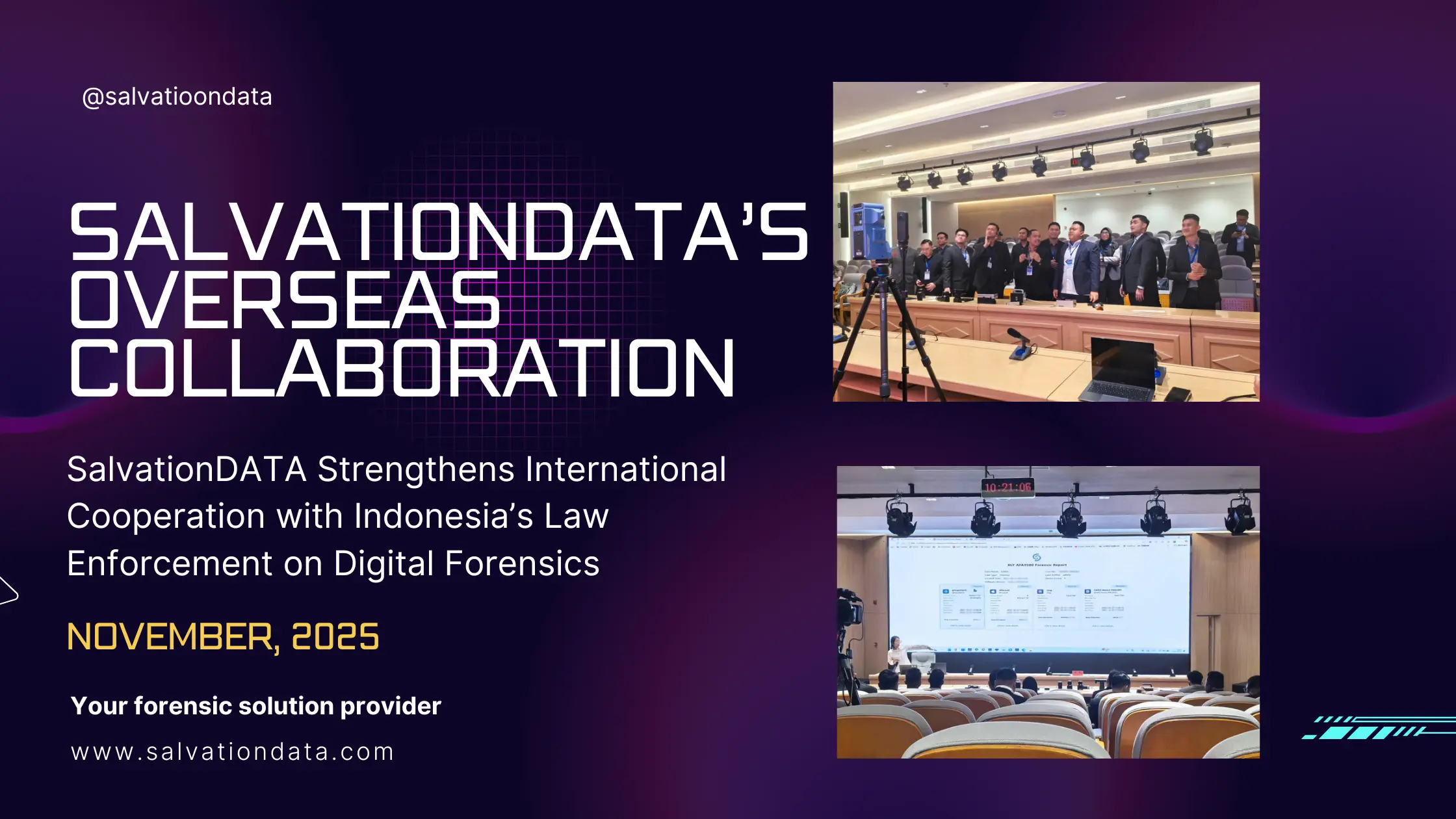
SalvationDATA showcased its advanced digital forensics solutions to Indonesian law enforcement, strengthening global cooperation and innovation in the industry. The company aims to expand its international presence through strategic partnerships and training initiatives.
In an electronic fraud case, deleted USB files were key evidence. This blog shows how DRS, a comprehensive USB recovery tool, enabled fast and reliable forensic-grade file recovery.
Discover the importance of forensic images in digital forensics, and how forensic imaging ensures the integrity of data in investigations. Learn about SalvationData’s advanced tools, VIP2.0 and DRS, designed to recover lost data, restore fragmented videos, and preserve critical evidence for legal use.
What do customers say about our software?


